
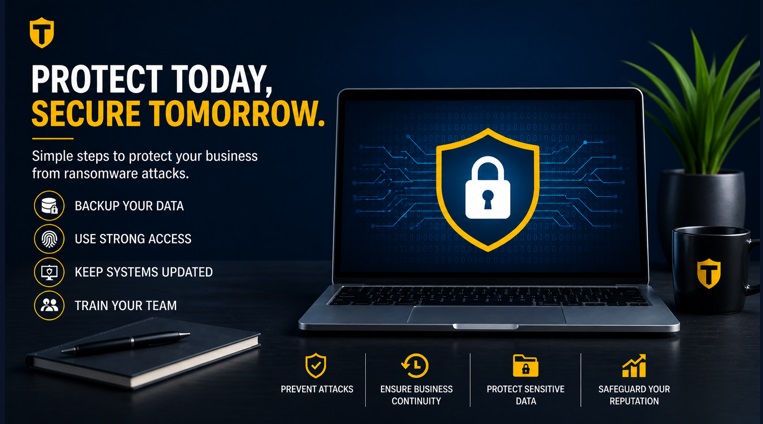
Ransomware has rapidly evolved into one of the most dangerous cyber threats for businesses worldwide. While large enterprises often make headlines, small businesses are actually the most targeted—primarily because they tend to have weaker security systems and limited IT resources. Therefore, implementing a ransomware safety checklist for small businesses is no longer optional but essential to protect sensitive data, maintain operations, and avoid costly disruptions.
However, here’s the important truth:
👉 Most ransomware attacks are preventable
👉 And even if an attack occurs, you can recover without paying ransom—if you’re prepared
Therefore, this guide goes beyond a simple checklist. It provides a complete ransomware safety framework, covering prevention, detection, response, and recovery—so your business stays protected in 2026 and beyond.
What is Ransomware?
Ransomware is a type of malicious software that:
- Encrypts your files or locks your systems
- Blocks access to business-critical data
- Demands payment to restore access
In other words, your data is taken hostage.
Threat: Double Extortion
Today’s attackers often:- Encrypt your data
- Steal sensitive information
- Threaten to leak it publicly
As a result, security must go beyond just backups—you need a multi-layered defense strategy.
Why Small Businesses Are Targeted
Before diving into protection, it’s important to understand the risk.
Common Reasons:
- Limited cybersecurity awareness
- Weak passwords or no MFA
- Outdated software
- No backup systems
- Lack of monitoring
👉 Simply put: high reward, low resistance
Ultimate Ransomware Safety Checklist for Small Business
1. Backup Strategy (Your #1 Defense)
Backups are your strongest protection.
Follow the 3-2-1 Rule:
- 3 copies of data
- 2 different storage types
- 1 offline or cloud-isolated copy
Action Steps:
- Automate daily backups
- Use secure cloud + offline storage
- Test recovery monthly
- Enable immutable backups
👉 If you can restore your data, ransomware loses power.
2. Strong Passwords & MFA
Weak credentials are a major entry point.
Action Steps:
- Use 12+ character passwords
- Avoid reuse
- Enable MFA across systems
- Use password managers
3. Keep Systems Updated
Outdated software = open doors.
Action Steps:
- Enable auto-updates
- Patch OS, apps, plugins
- Remove unsupported software
4. Email Security & Phishing Protection
Most attacks start with email.
Action Steps:
- Train employees
- Use spam filters
- Avoid unknown attachments
- Verify suspicious emails
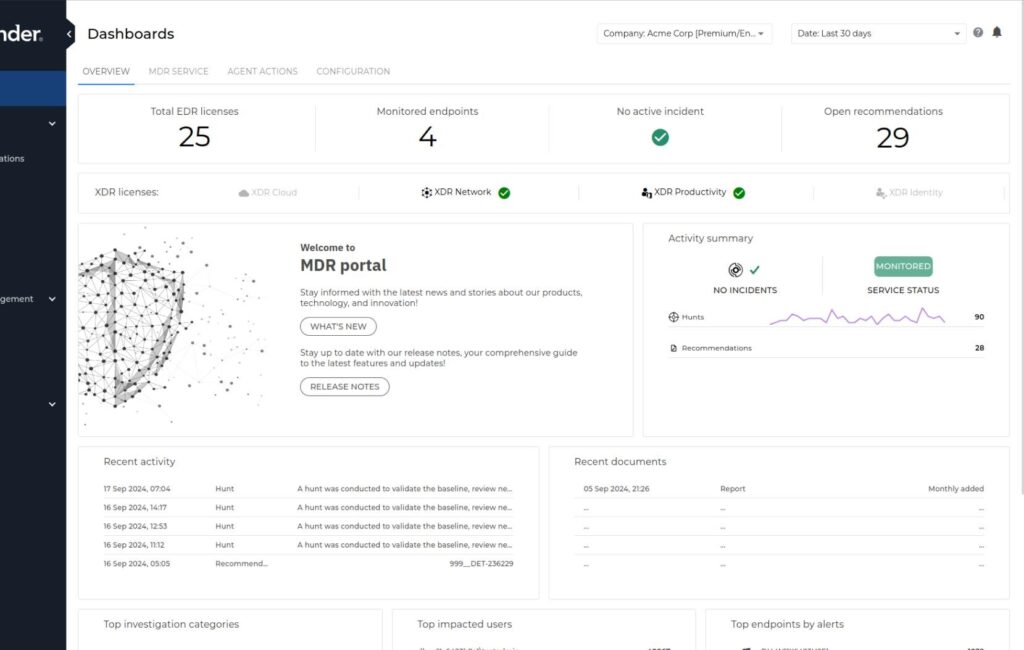
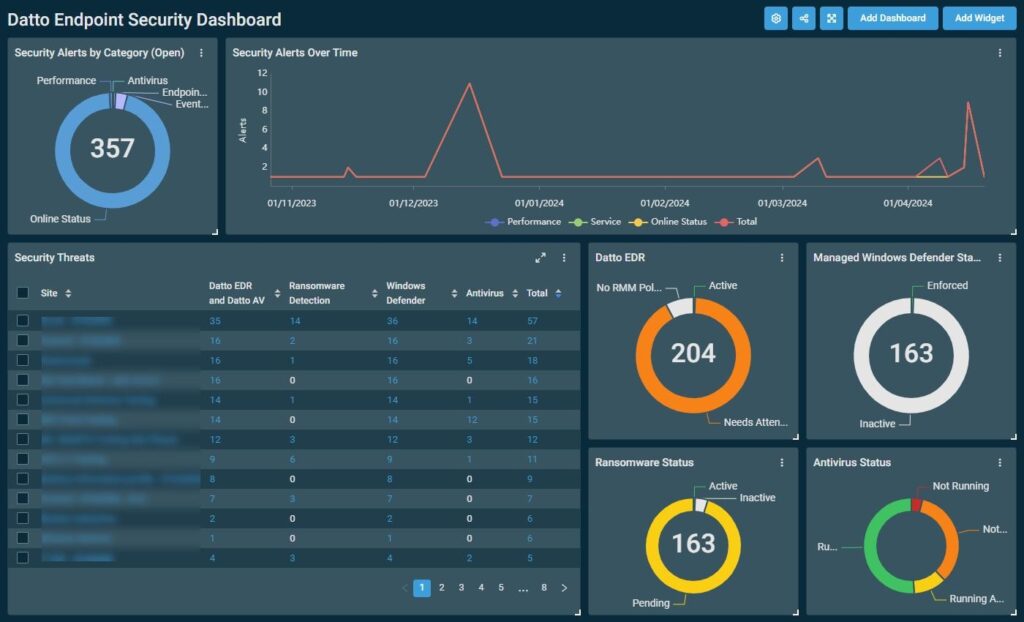
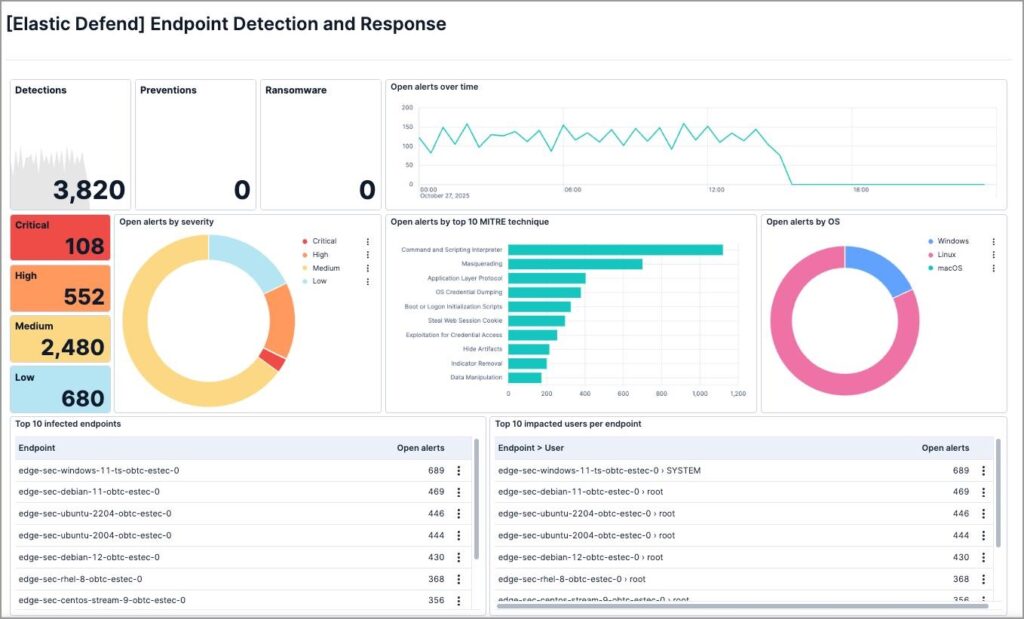
5. Endpoint Protection (EDR)
Basic antivirus is no longer enough.
Action Steps:
- Use advanced endpoint protection
- Monitor real-time threats
- Enable behavior detection
6. Network Security
Secure your infrastructure.
Action Steps:
- Use firewalls
- Secure Wi-Fi (WPA3)
- Segment networks
7. Access Control
Limit exposure.
Action Steps:
- Apply least privilege principle
- Restrict admin access
- Monitor usage
8. Disable Unnecessary Services
Reduce attack surface.
Action Steps:
- Disable unused RDP
- Close ports
- Remove unnecessary apps
9. Incident Response Plan
Preparation is critical.
Must Include:
- Roles and responsibilities
- Emergency contacts
- Action steps
10. Employee Training
Your team is your first defense.
Action Steps:
- Conduct training sessions
- Run phishing simulations
- Build awareness
Tool Comparison Table (EDR & Backup Solutions)
Endpoint Detection & Response (EDR)
| Tool | Best For | Key Features | Pricing | Ease |
| CrowdStrike Falcon | Advanced security | AI detection, real-time alerts | High | Medium |
| Microsoft Defender | SMB (Windows) | Built-in, integrated | Medium | Easy |
| SentinelOne | Automation | Auto threat response | High | Medium |
| Bitdefender GravityZone | Budget | Anti-ransomware | Low–Medium | Easy |
💾 Backup Solutions
| Tool | Best For | Key Features | Pricing | Ease |
| Acronis Cyber Protect | All-in-one | Backup + security | Medium | Easy |
| Veeam | Enterprise | Fast recovery | High | Medium |
| Backblaze | Affordable | Unlimited backup | Low | Very Easy |
| Carbonite | SMB | Automatic backup | Medium | Easy |
💡 Key Insight:
- Strong security → CrowdStrike / SentinelOne
- Simple backup → Backblaze
- All-in-one → Acronis
Step-by-Step Ransomware Recovery
Phase 1: Immediate Response
- Disconnect infected systems
- Disable network access
- Identify affected files
Phase 2: Assessment
- Identify attack source
- Scan systems
- Check spread
Phase 3: Remove Threat
- Run security scans
- Delete malware
- Patch vulnerabilities
Phase 4: Recovery
- Restore from backups
- Verify data integrity
- Reconnect systems gradually
Phase 5: Communication
- Inform stakeholders
- Report incident
- Document findings
Phase 6: Strengthen Security
- Change passwords
- Enable MFA
- Update systems
- Train staff
Real Cost of Ransomware
Small businesses can lose:
- ₹5 lakh to ₹50 lakh+
- Business downtime
- Customer trust
👉 Prevention is always cheaper.
Common Mistakes
- No backups
- Ignoring updates
- Weak passwords
- No training
Future of Ransomware
- AI-powered attacks
- Data theft + encryption
- SMB targeting
👉 Security must evolve continuously.
FAQs
What is the best protection against ransomware?
Backups, MFA, updates, and training.
Can small businesses recover?
Yes, if backups exist.
Should you pay ransom?
No.
How does ransomware spread?
Email, downloads, vulnerabilities.
Is antivirus enough?
No—multi-layered security is required.
Thoughts
Ransomware is a serious threat, but it is manageable with the right strategy.
👉 Focus on:
- Prevention
- Preparedness
- Awareness
👉 Cybersecurity is no longer optional—it’s essential for business survival.
Quick Checklist
✔ Backup data
✔ Enable MFA
✔ Update systems
✔ Train employees
✔ Use security tools
✔ Secure network
✔ Limit access
✔ Prepare response plan
Related reading and references
For more context on this topic, these related Technoparadox articles are worth reading next:
- How to Prevent and Respond to the Rising Threat of Ransomware
- Top 10 Cybersecurity Measures Every US Business Must Implement
For broader reference, these external resources add useful background and practical guidance: