Choosing the best CRM software for small business can completely transform how you manage leads, streamline sales, and build stronger customer relationships. However, with so many options available, finding the right solution can often feel overwhelming.
Therefore, in this guide, we?ll explore the best CRM software for small business, while also helping you understand custom CRM and non-branded solutions?so you can make a well-informed and confident decision.
What is CRM and Why It Matters
To begin with, a Customer Relationship Management (CRM) system helps businesses:
- Organize leads and contacts
- Track sales pipelines
- Automate follow-ups
- Improve customer retention
In other words, CRM acts as a central hub for all customer interactions. As a result, businesses can improve efficiency and increase revenue.
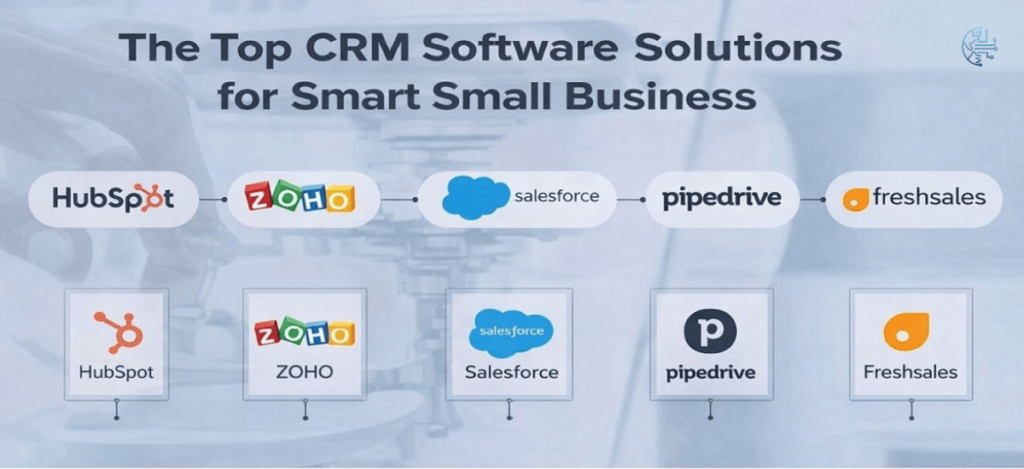
Top 5 CRM Software for Small Businesses
1. HubSpot CRM
Overview
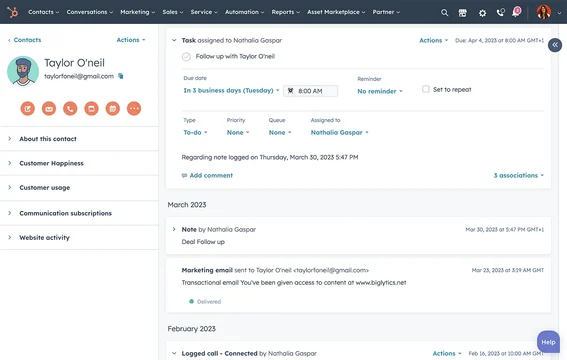
First of all, HubSpot is one of the most popular CRM tools globally. Moreover, it offers a powerful free plan, which makes it ideal for small businesses.
Key Features
- Free plan with unlimited users
- Email tracking and automation
- Built-in marketing tools
- Easy integrations
Why Choose HubSpot
Because of its ease of use, it is perfect for beginners. Additionally, it combines marketing and sales in one platform.
2. Zoho CRM
Overview
On the other hand, Zoho CRM is known for being budget-friendly yet feature-rich.
Key Features
- Workflow automation
- AI assistant (Zia)
- Multi-channel communication
Why Choose Zoho
If you need automation at a lower cost, then Zoho is a great option. Furthermore, it is highly customizable.
3. Salesforce Sales Cloud
Overview
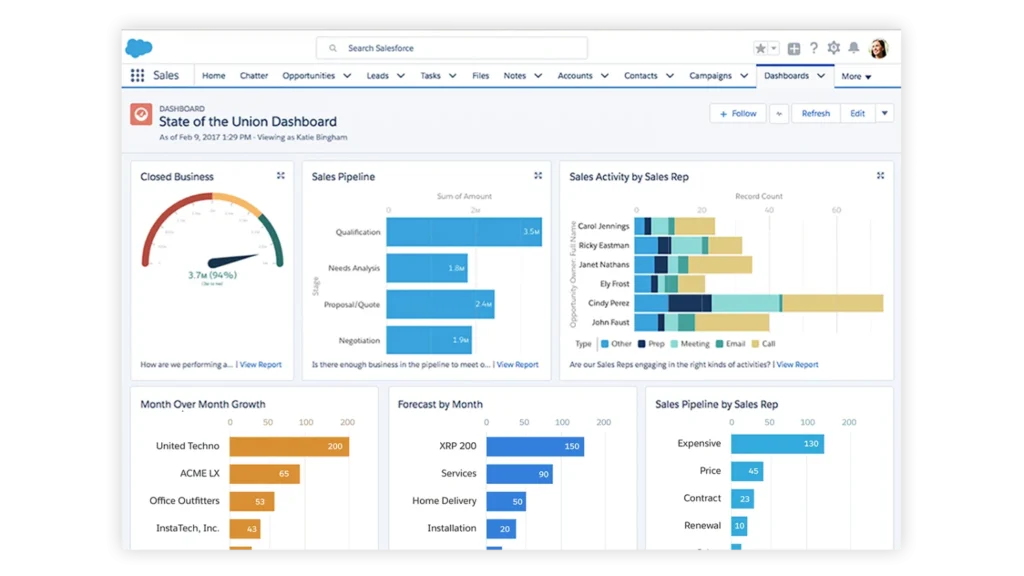
Meanwhile, Salesforce is an industry leader. Although it is more expensive, it offers advanced features and scalability.
Key Features
- Advanced analytics
- Custom workflows
- Large app ecosystem
Why Choose Salesforce
If your business is growing fast, then Salesforce can scale with you. However, it may require training.
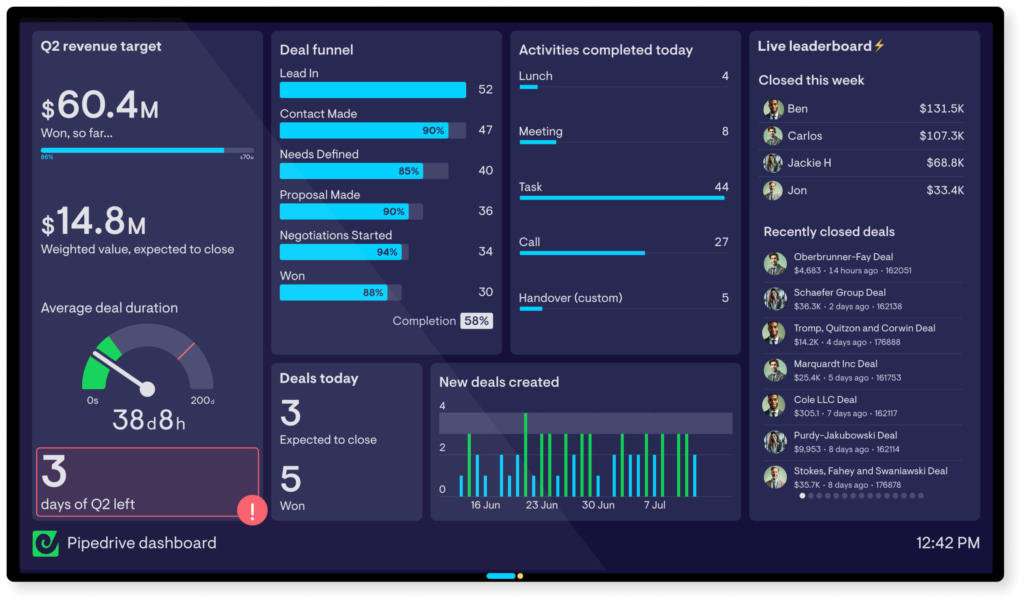
4. Pipedrive
Overview
In contrast, Pipedrive focuses mainly on sales pipeline management.
Key Features
- Visual sales pipeline
- Deal tracking
- Activity reminders
Why Choose Pipedrive
If your priority is closing deals, then Pipedrive is highly effective. In addition, it is very easy to use.
5. Freshsales
Overview
Finally, Freshsales provides a modern CRM experience with built-in communication tools.
Key Features
- AI lead scoring
- Built-in email & calling
- Automation workflows
Why Choose Freshsales
Because it combines multiple tools in one place, it is ideal for growing teams.
Custom CRM vs Ready-Made CRM
Now, let?s move beyond standard tools. This is where many businesses make mistakes.
What is a Custom CRM?
A custom CRM is built specifically for your business needs. For example, it can be developed using web technologies like React, PHP, or Node.js.
Advantages
- Fully tailored to your workflow
- No unnecessary features
- Complete data control
However, there are drawbacks:
- Higher initial cost
- Requires development time
- Needs ongoing maintenance
What is a Non-Branded CRM?
In addition, you can also consider non-branded or open-source CRM systems.
Examples include:
- SuiteCRM
- Odoo CRM
- ERPNext
Why Choose Non-Branded CRM
- Lower cost
- Flexible customization
- No vendor lock-in
However
You will need technical knowledge to manage hosting and security.
How to Choose the Right CRM
At this point, you might be wondering?which one is right for you?
Step 1: Define Your Budget
- Low budget : Zoho
- Free : HubSpot
Step 2: Identify Your Needs
- Sales-focused : Pipedrive
- All-in-one : HubSpot
Step 3: Think Long-Term
- Scaling ? Salesforce
- Custom workflows : Custom CRM
Common Mistakes to Avoid
Even though CRM is powerful, many businesses fail to use it properly.
For instance:
- Choosing overly complex software
- Ignoring team training
- Not using automation features
- Paying for unused tools
Therefore, always choose a CRM that matches your actual needs.
Detailed FAQs
Which CRM is best for beginners?
HubSpot CRM, because it is simple and free.
Is CRM worth it for small businesses?
Yes. In fact, CRM helps improve sales, efficiency, and customer satisfaction.
Can I use CRM for free?
Yes. For example, HubSpot CRM offers a robust free plan.
What is the cheapest CRM?
Zoho CRM is one of the most affordable options.
Can I build my own CRM?
Yes. However, it requires development resources and time.
Which CRM is best for sales teams?
Pipedrive is specifically designed for sales pipelines.
What is open-source CRM?
Open-source CRM is software that you can modify and host yourself, such as SuiteCRM.
Do I need technical knowledge?
- SaaS CRM : No
- Custom/Open-source : Yes
How much does CRM cost?
- Free :HubSpot
- Low : Zoho
- Medium : Freshsales / Pipedrive
- High : Salesforce
Custom CRM Development Cost in India (2026)
Total Estimated Cost
| Type of CRM | Estimated Cost (INR) |
|---|---|
| Basic CRM | 2,00,000 to 2,50,000 |
| Mid-Level CRM | 3,00,000 to 4,00,000 |
| Advanced CRM | 5,00,000 to 6,50,000 |
The cost of custom CRM development in India varies based on features, scalability, and integration requirements, making it important to choose the right level based on your business needs.
- Basic CRM (2L to 2.5L): Suitable for small businesses with essential features like lead management, contact storage, and simple pipelines.
- Mid-Level CRM (3L to 4L): Includes automation, integrations, reporting, and improved UI/UX.
- Advanced CRM (5L to 6.5L): Fully customized solution with advanced automation, analytics, integrations, and scalability.
Final Verdict
To summarize:
- Best Overall : HubSpot CRM
- Best Budget : Zoho CRM
- Best for Sales : Pipedrive
- Best for Scaling : Salesforce
- Best Flexible Option : Custom CRM
Related reading and references
For more context on this topic, these related Technoparadox articles are worth reading next: